
 FR
FR
 EN
EN
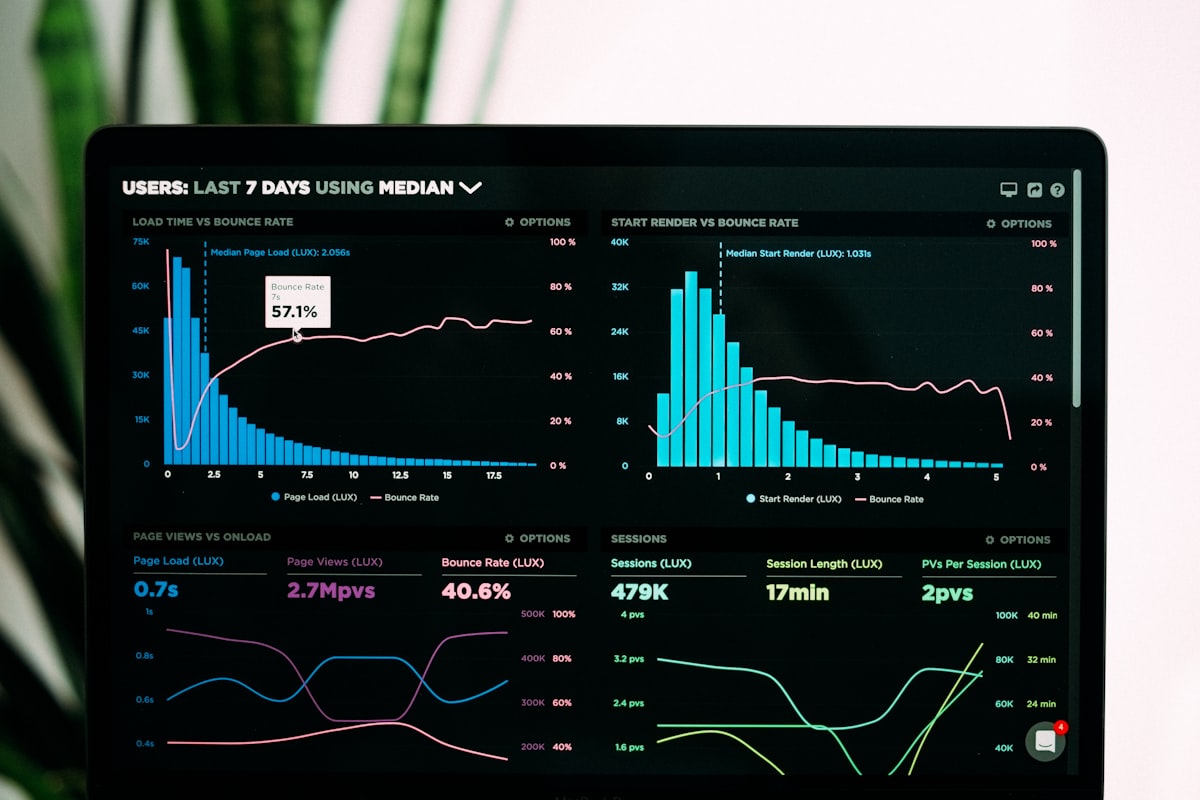
Why your management expects a production dashboard
A production dashboard is not a technological gadget. It is the tool that enables management to monitor operations in real time rather than discovering problems in a monthly report that is already outdated.
What is the OEE of each line in real time?
Where are the slowdowns today?
Are we ahead or behind schedule?
In 70% of industrial SMEs, management only has access to production indicators with a 5 to 15 day delay. By that time, problems have already become losses.
The 7 essential KPIs for your management team
After supporting numerous manufacturers, we have identified the indicators that are systematically requested by senior management.
| KPI | What it measures | Typical target | Frequency |
|---|---|---|---|
| OEE | Overall equipment effectiveness | ≥ 85% | Real-time |
| Scrap rate | Material loss / quality | < 2% | Per shift |
| MTBF | Mean time between failures | ↑ trend | Weekly |
| MTTR | Mean time to repair | < 30 min | Weekly |
| Actual vs target throughput | Adherence to production plan | ≥ 95% | Real-time |
| Unit production cost | Profitability per product | ↓ trend | Daily |
| On-time delivery (OTD) | Meeting customer commitments | ≥ 98% | Weekly |
Architecture of a dashboard connected to the ERP
The key to a reliable dashboard is to never re-enter data. Everything must flow automatically from your ERP and production sensors.
┌──────────────┐ ┌────────────────┐ ┌──────────────┐
│ ERP (SAP, │───▶│ Pipeline ETL │───▶│ Data │
│ Sage, Divalto)│ │ Python/Airflow │ │ Warehouse │
└──────────────┘ └────────────────┘ └──────┬───────┘
┌──────────────┐ │ │
│ IoT Sensors │────────────▶│ ▼
│ (MES, SCADA) │ │ ┌──────────────┐
└──────────────┘ │ │ Power BI │
┌──────────────┐ │ │ or Metabase │
│ Field │────────────▶│ │ + alerts │
│ files │ └──────────────┘
└──────────────┘
The most common ERP connectors
Extraction via RFC/BAPI or SAP HANA. Production data, inventory, manufacturing orders.
Direct SQL connection or REST API. Commercial and production data.
Database querying via ODBC. Work order tracking and bills of materials.
REST API or scheduled exports. CAPM and sales management data.
Implementation steps
Identify priority KPIs with management and production managers
Connect data sources (ERP, MES, sensors, field files)
Develop ETL pipelines and dashboards with rapid iterations
Train teams and hand over dashboard maintenance
Practical example: an industrial director's dashboard
Here are the typical views we deploy for a production management team:
- OEE per line (gauge with colour coding)
- Instantaneous throughput vs target
- Current downtime alerts
- Parts produced vs target
- Average OEE and trend (rolling week)
- Top 5 downtime causes
- Scrap rate by product
- OTD (On Time Delivery)
- Unit production cost
- Machine utilisation rate
- Cost of unplanned downtime
- ROI of improvement actions
- OEE below threshold (< 70%)
- Machine downtime > 30 minutes
- Abnormal scrap detected
- Delay on critical order
Results observed at our industrial clients
| Indicator | Before dashboard | After 3 months |
|---|---|---|
| Management visibility | Monthly report (D+10) | Real-time |
| Unplanned downtime | 12% of machine time | 7% (-40%) |
| Average OEE | 68% | 82% (+14 pts) |
| Decision-making time | Days | Minutes |
| On-time delivery rate | 89% | 97% |
"Within 3 months, the dashboard transformed the way we run the plant. We detect deviations in minutes instead of discovering them in the monthly report."
— Industrial Director, aerospace subcontracting SME (120 employees)
Common mistakes to avoid
- Overloading with KPIs (more than 10 on one screen)
- Building without involving operations staff
- Waiting for perfect data before starting
- Developing a dashboard without a real-time connector
- Start with 5 key KPIs and iterate
- Co-build with management AND the shop floor
- Start with the data you have
- Automate data collection from day 1
How long does it take to set up a production dashboard?
First functional dashboard with 3-5 KPIs
Full dashboard with alerts and history
Multi-site with inter-plant benchmarking
Move from monthly reporting to real-time management
Free 30-minute diagnostic to identify your priority KPIs and assess feasibility.
Request a free diagnostic →